I Built an AI That Reads Your Lecture Slides and Writes the Exam You're About to Take
Last updated 31 August 2026
Every semester it's the same ritual: the professor posts a study guide that says "know everything," the past papers on the class Discord are three years old, and you're left guessing which 20% of the slide deck is actually going to show up on the midterm.
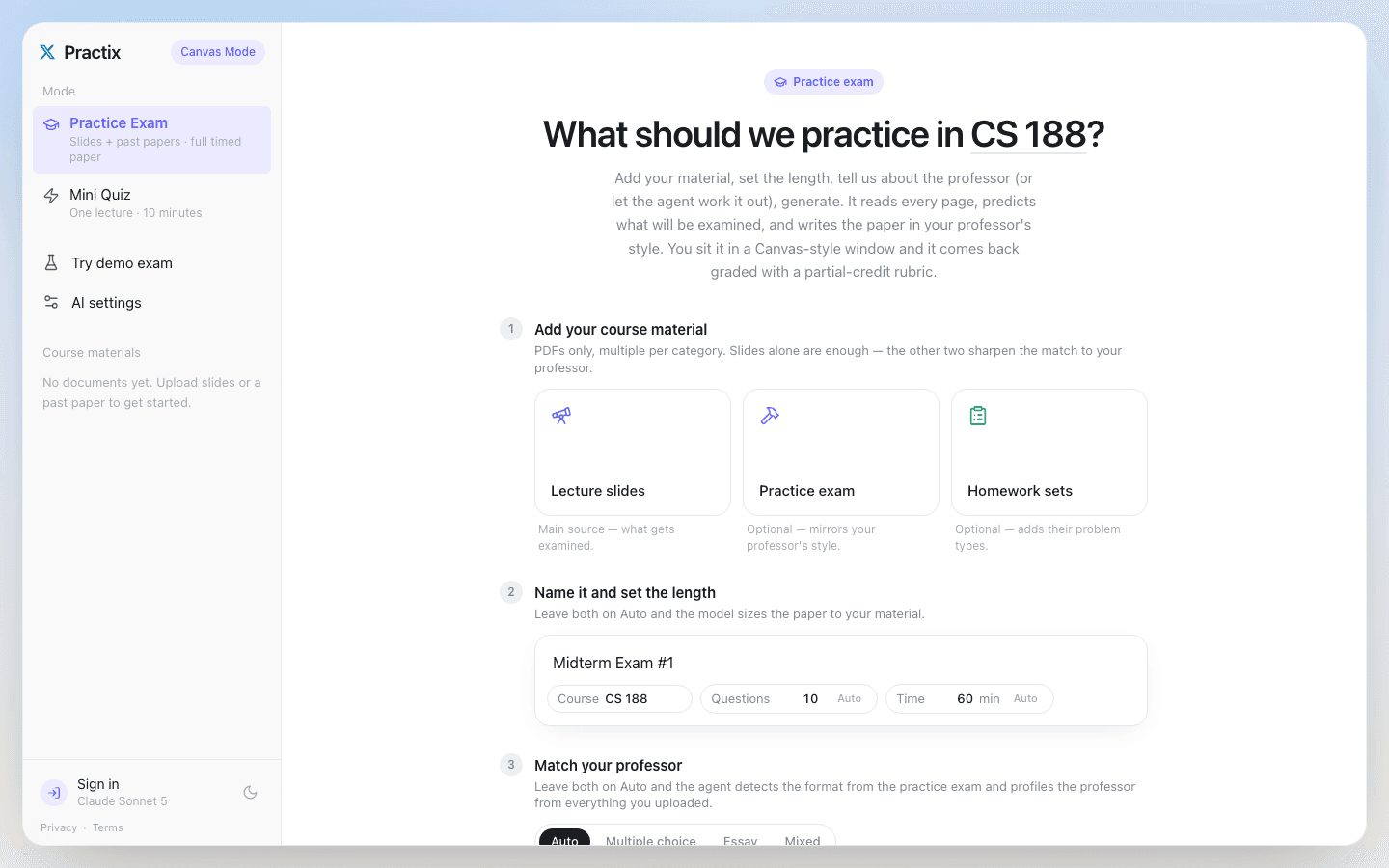
I built Practix to close that gap. Upload your lecture slides — and a past paper if you have one — and it reads every page, works out what your professor actually tests and how they test it, and writes you a full mock exam in that style. You sit it in a timed, Canvas-style window, and it comes back graded with partial credit and an explanation of why each question exists.
It's free, it works with your own AI key, and I just launched it on Product Hunt.
The problem with "just study everything"
Lecture slides are a firehose. A single course can have 300+ slides across a semester, and only a fraction of that ever turns into an exam question. Students already do the work of trying to predict what's testable — that's what study groups, old papers, and office-hours guesses are for. Practix just does that prediction systematically, on the actual material, instead of on vibes.
How it actually works
Practix isn't a single prompt that says "make a quiz from this PDF." It's a three-step pipeline (lib/agent.ts):
- Read. Every uploaded page gets read — nothing is skipped or summarized away. Long decks are split on page boundaries and read in parallel passes, leaving page-anchored notes.
- Profile. From everything it read, the agent builds a blueprint: the professor's teaching style, exam format and difficulty, and a ranked list of the topics most likely to be examined. Leave it on Auto, or steer it yourself.
- Write. The exam is written from that blueprint, in the professor's voice, matched to a past paper's format if you gave it one.
The blueprint itself stays attached to your results, so when you're reviewing what you missed, you can see why the app thought that question mattered.
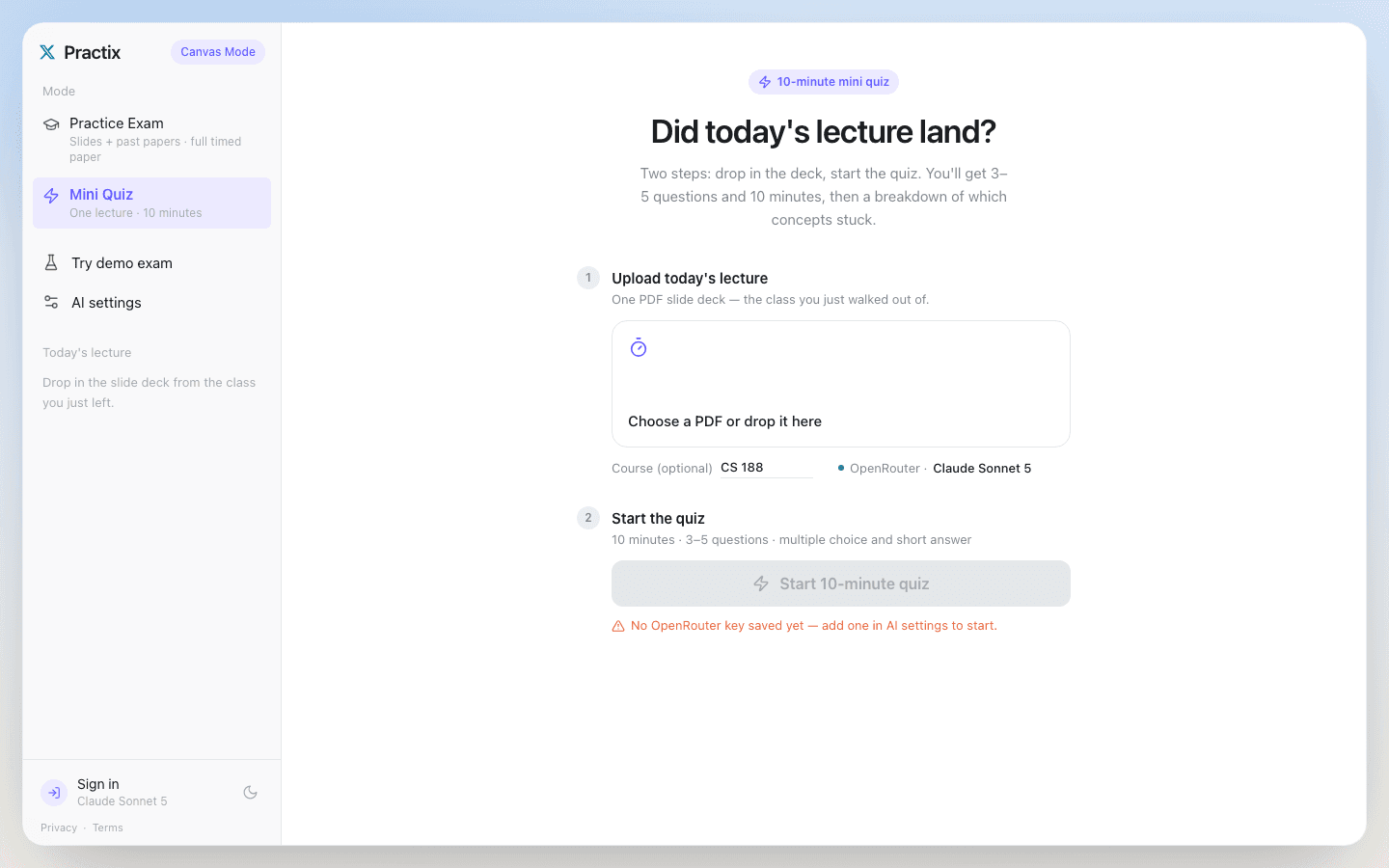
There's also a fast path for a smaller ask: the 10-minute mini quiz. Drop in today's lecture deck right after class, answer 3–5 questions in ten minutes, and get an immediate read on which concepts actually landed — before it's midterm week and too late to fix.
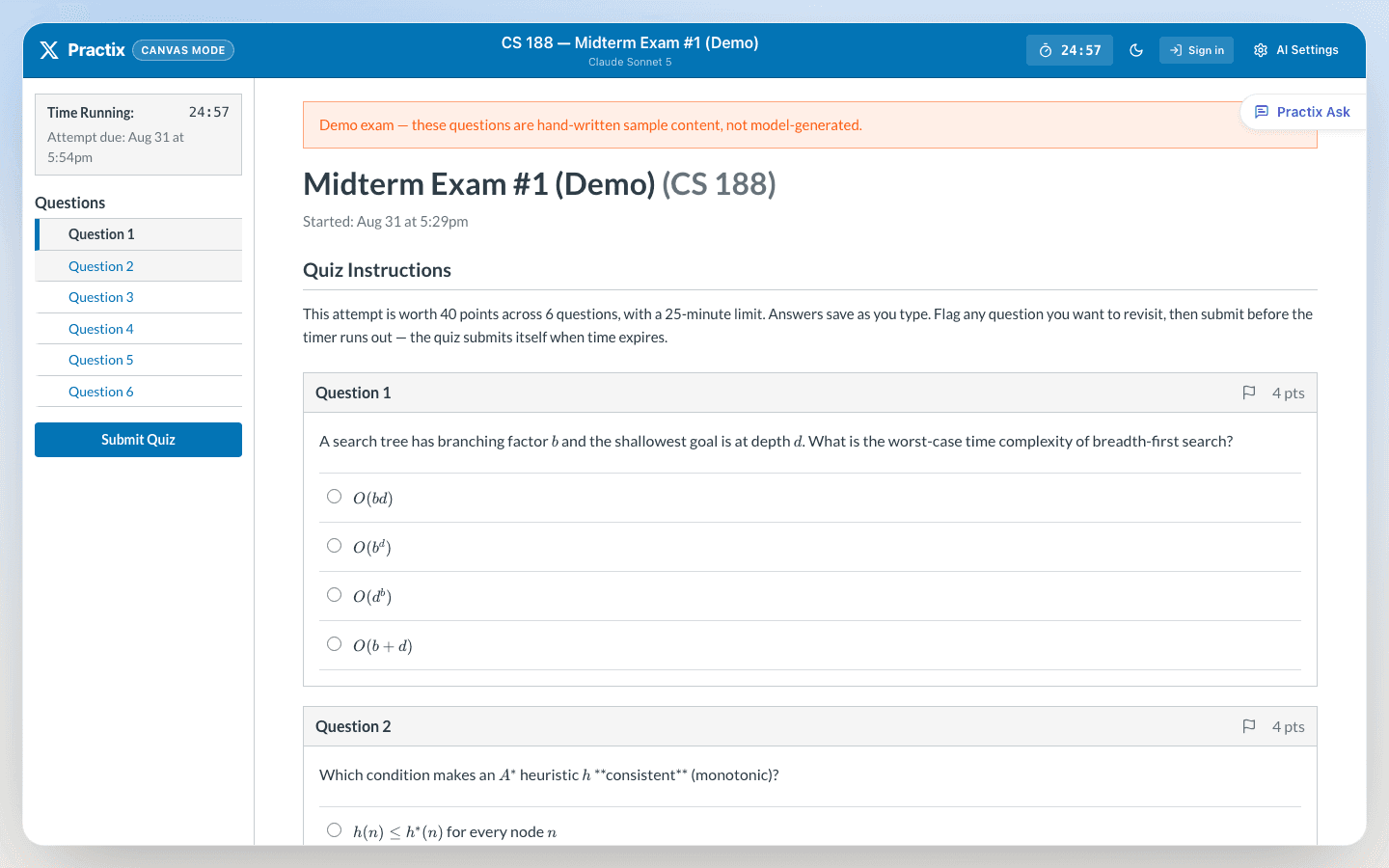
Practix Ask: a tutor that can see the page
While you're taking a practice exam, a side panel called Practix Ask sits next to the question you're stuck on. It can see the question, your current answer, and the source material it came from — so it nudges you toward the method without just handing you the answer while the clock is running. Full explanations unlock once you submit.
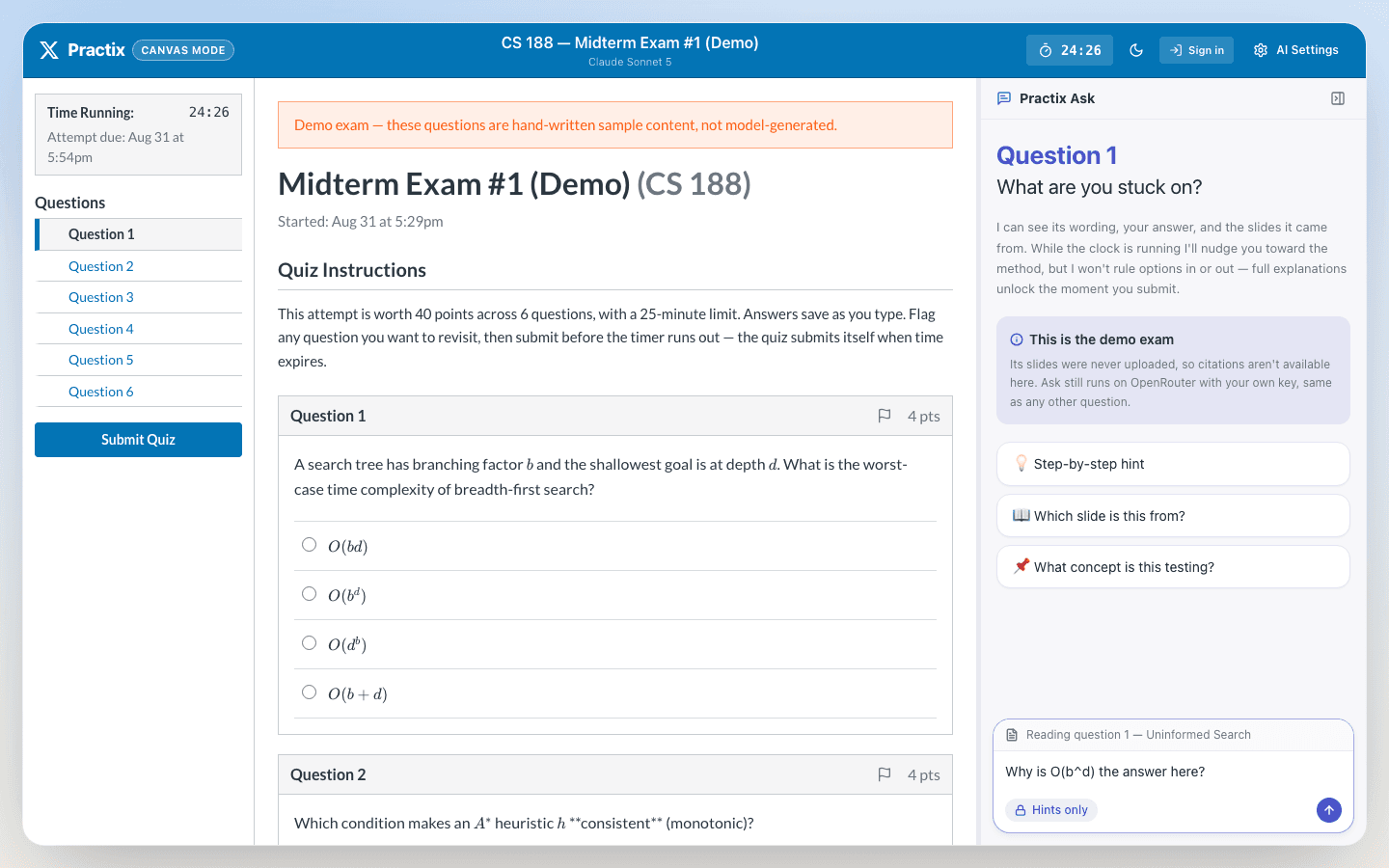
The same panel doubles as a proper reading companion. Open any uploaded PDF in the built-in reader and Practix Ask tracks whichever page you're on, offering one-click prompts like "Explain this page," "Key points," or "Quiz me on this page," with its own thread per page.
Free, and it costs me nothing to run
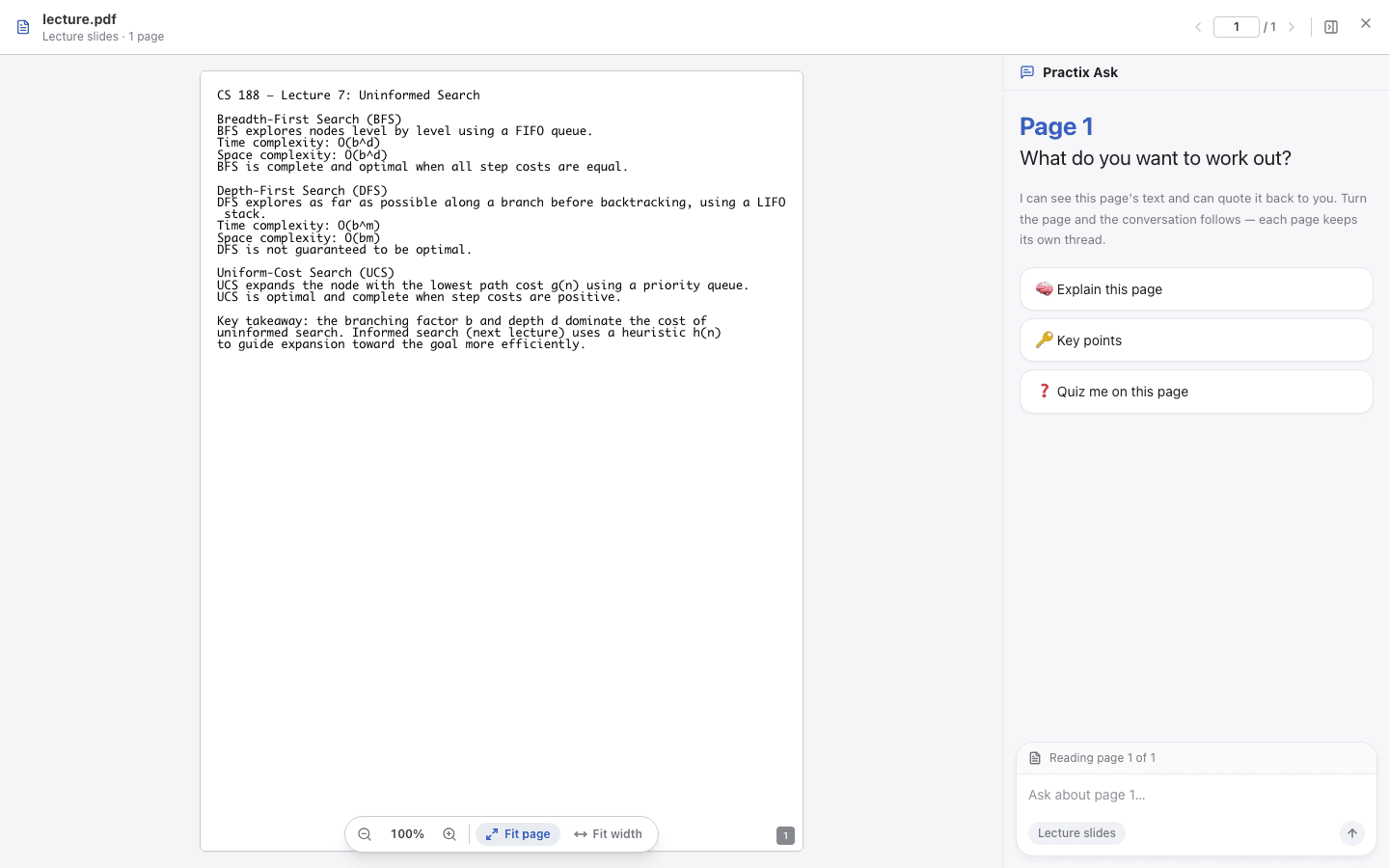
Practix launches BYOK-only — you bring your own API key (OpenRouter, Anthropic, OpenAI, or Google), paste it into AI Settings, and every request goes straight from your browser to that provider. It never touches a Practix server. Because no request is proxied, the app costs its operator $0 regardless of how much traffic it gets — and there's nothing to sign up for just to try it.
Click Try demo exam in the sidebar and you can explore the entire Canvas-style UI with sample content and no key at all. Your uploaded slides never leave your browser either — PDFs are parsed client-side, and only the extracted text is sent to whichever model you picked.
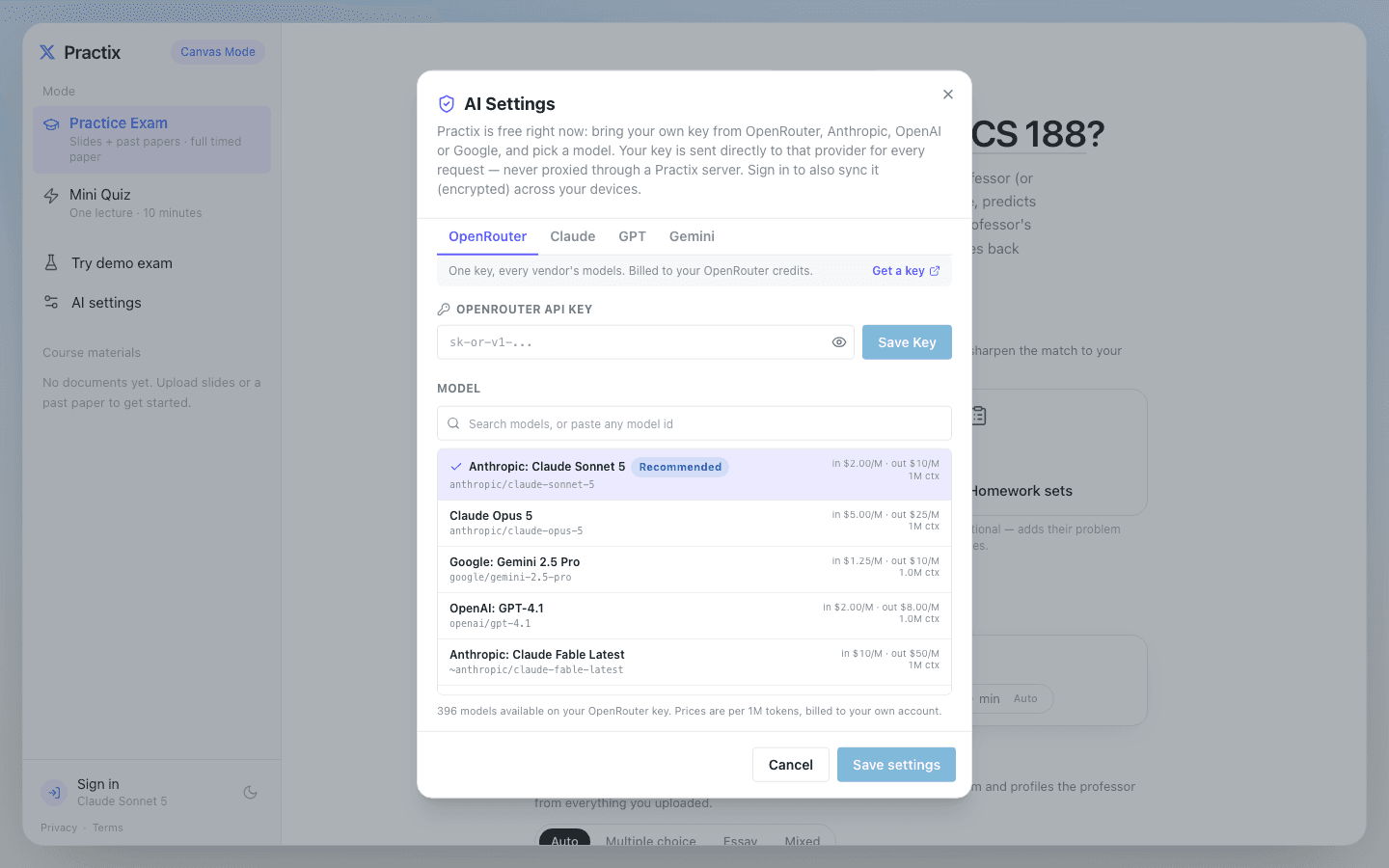
If you want your settings to follow you across devices, an optional Google sign-in syncs your (encrypted) key — but it's entirely opt-in. There's a second mode, Practix Cloud AI — a hosted, no-key-needed tier with its own paid passes — fully built and sitting behind a feature flag. It's off for launch. I'd rather earn the right to charge for convenience after the free, BYOK version proves useful, than lead with a paywall.
What it looks like
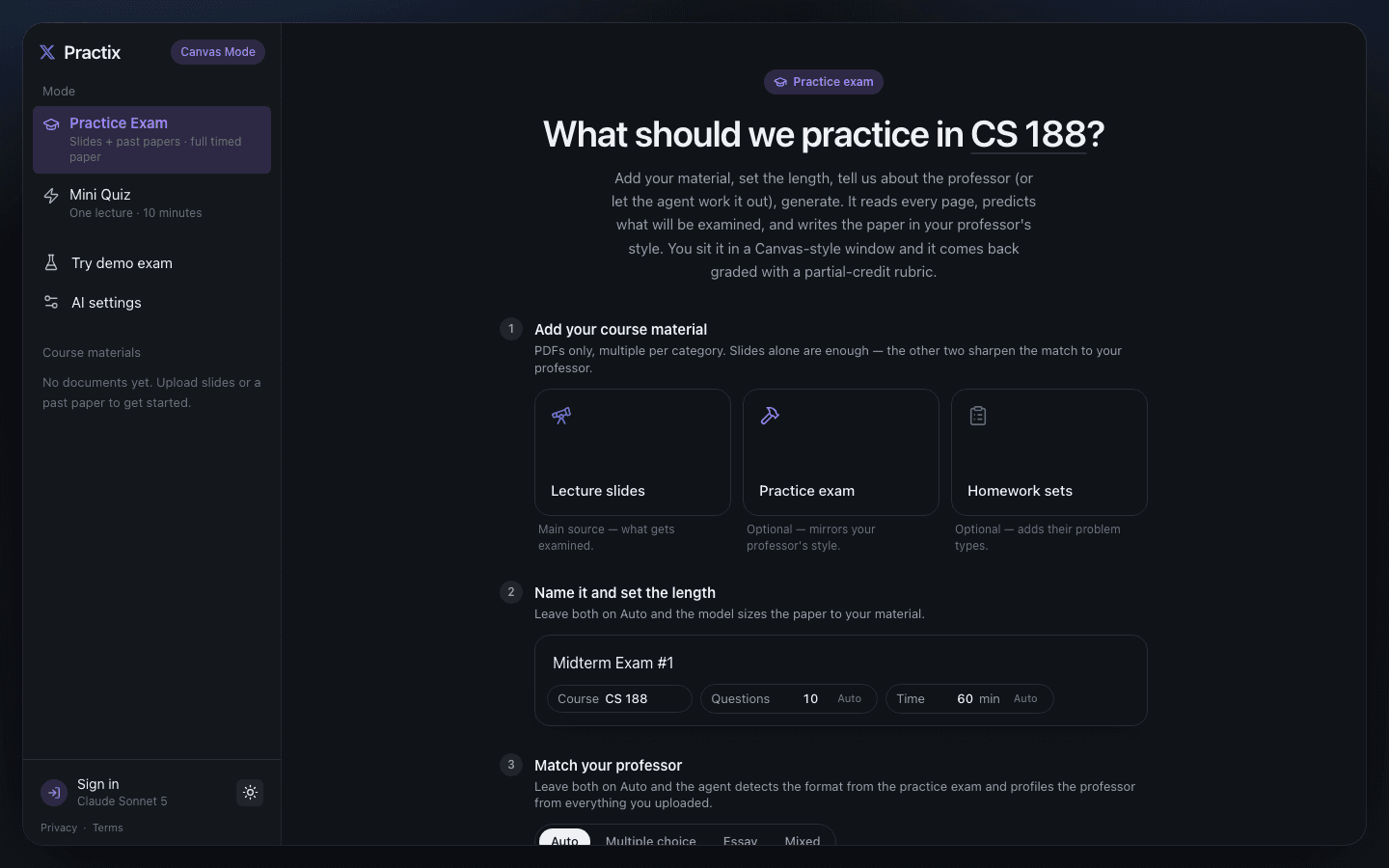
The exam builder — upload your material, name the exam, and let the agent size and format it automatically:
And the ten-minute check for right after class:
Try it
Practix is live at practix.studio4any.com. No account required — click through the demo, or drop in your own slides and a key to generate a real exam in a few minutes.
If you're studying for something painful this semester, I'd love feedback: what's missing, what's confusing, and whether the mock exam it wrote for you actually looked like the real thing.